Description
Pentair In-Floor (A&A) Top Feed Complete 1½” 6-Port Actuator T-Valve w/ QuikStop | 225470
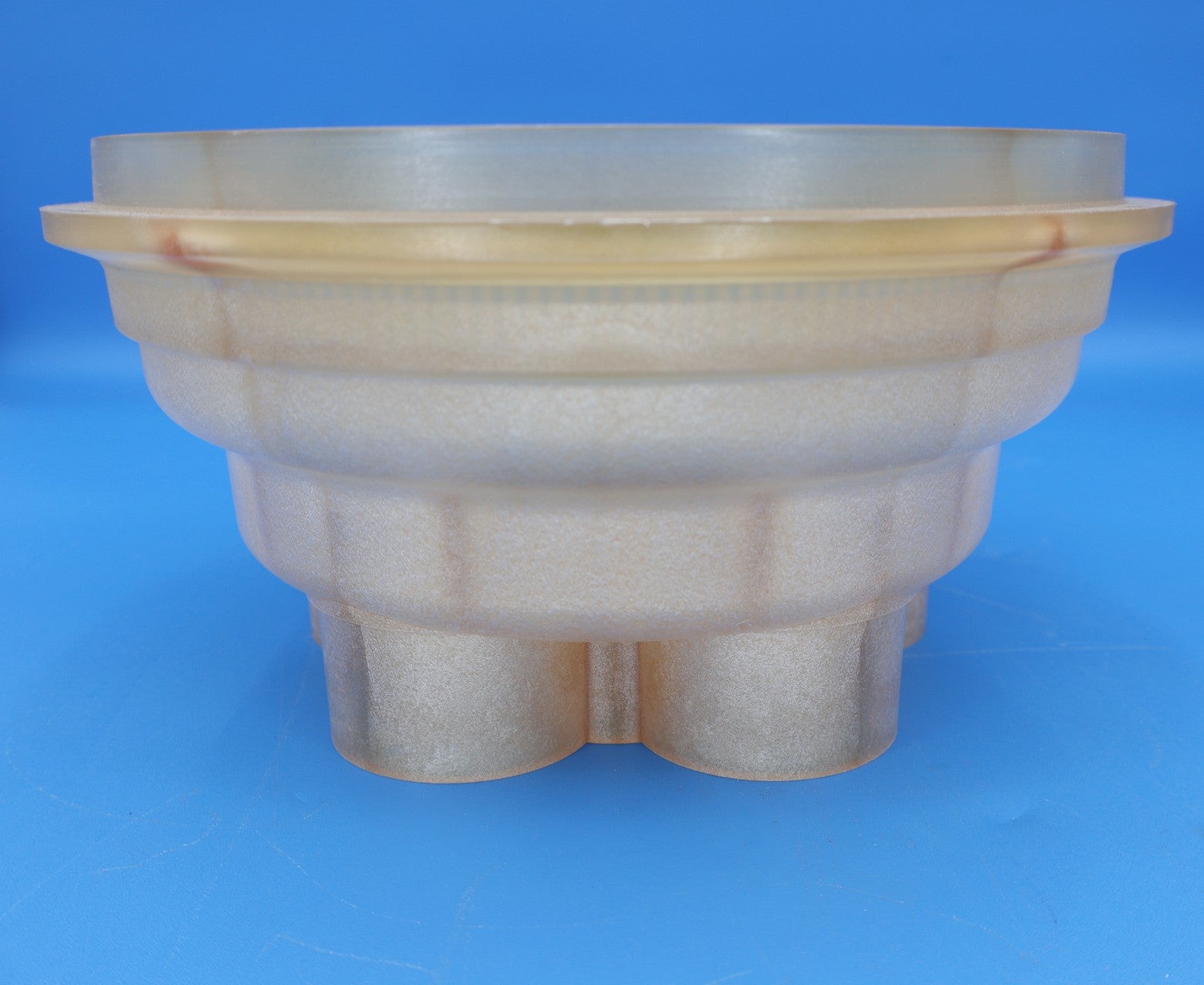
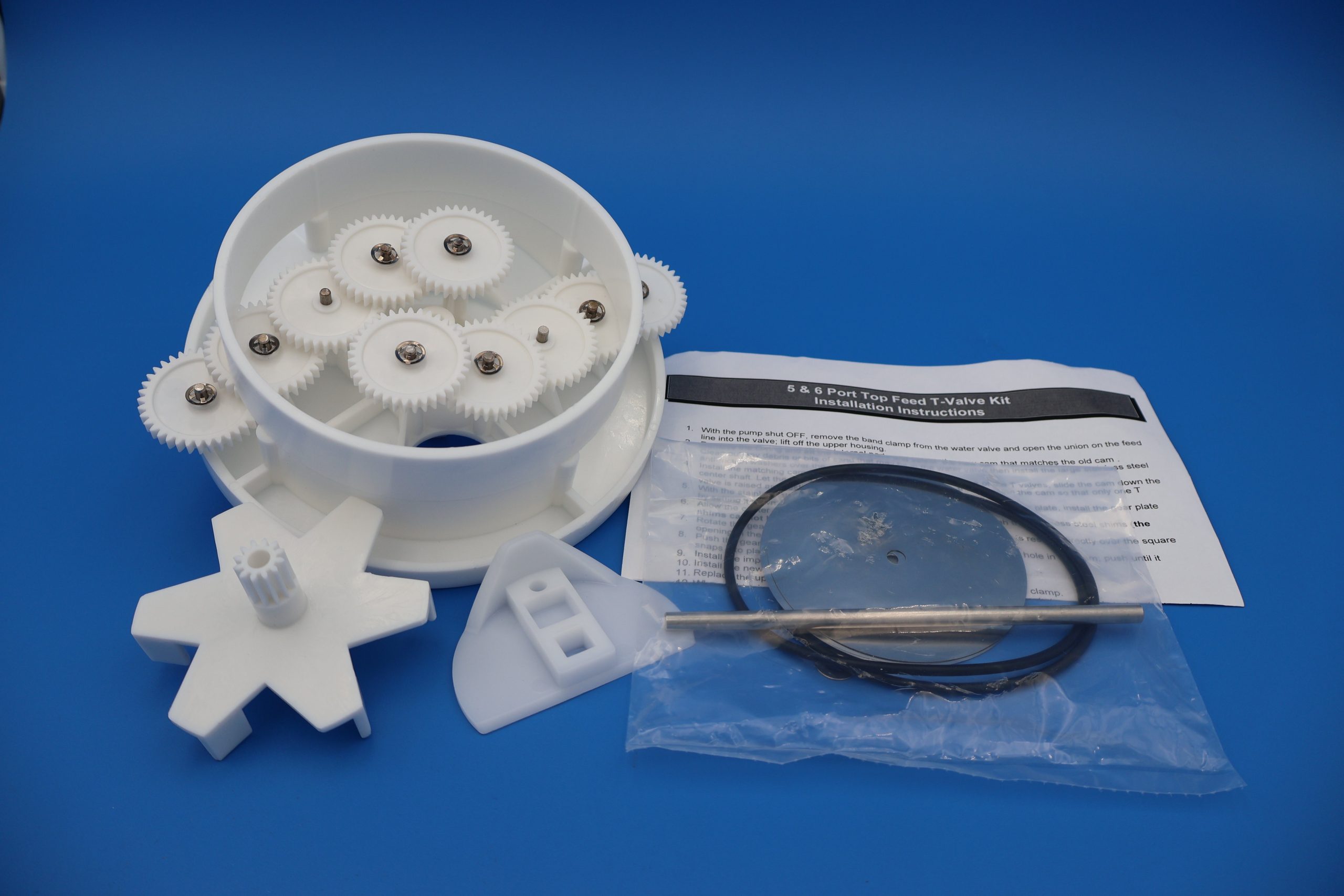
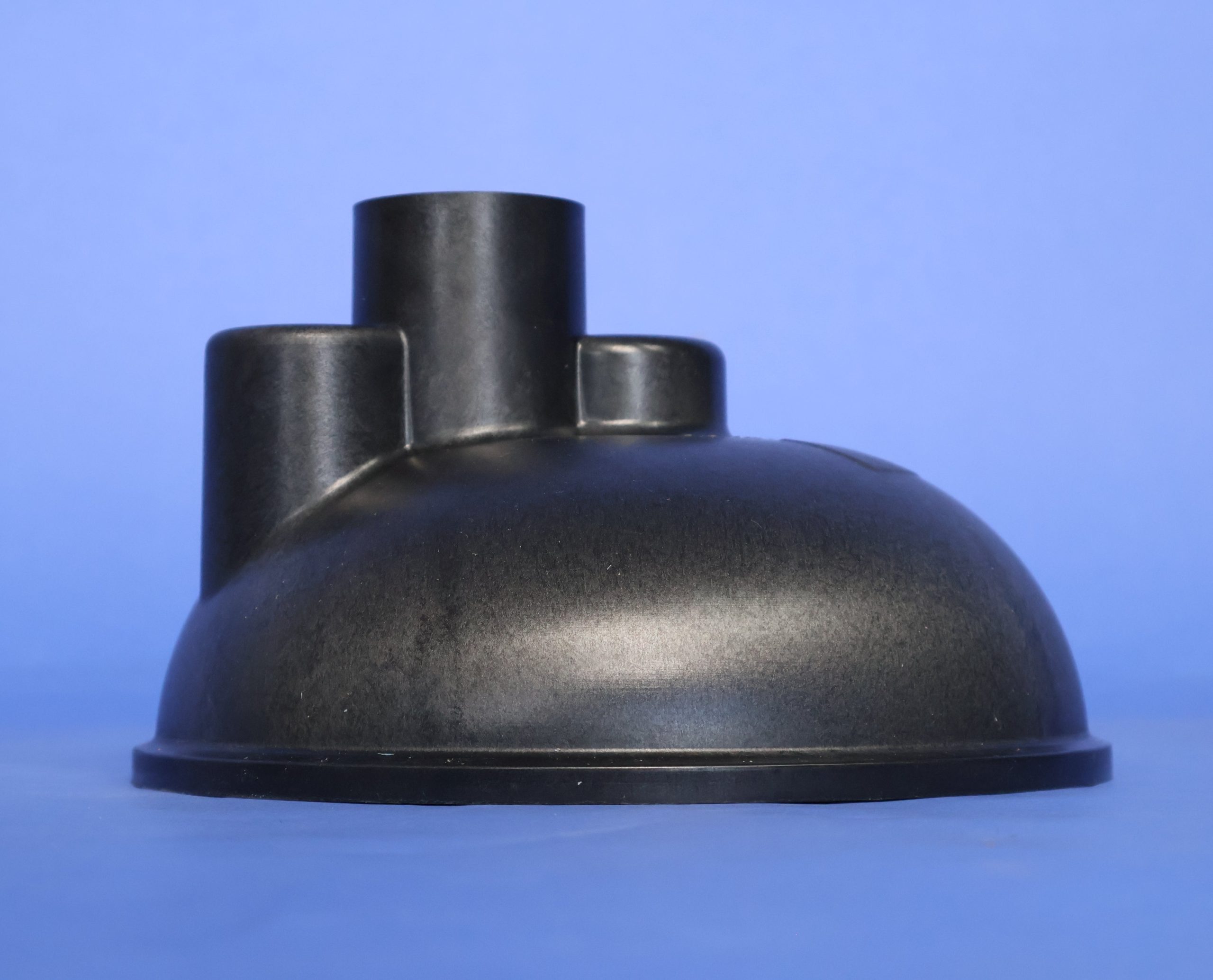
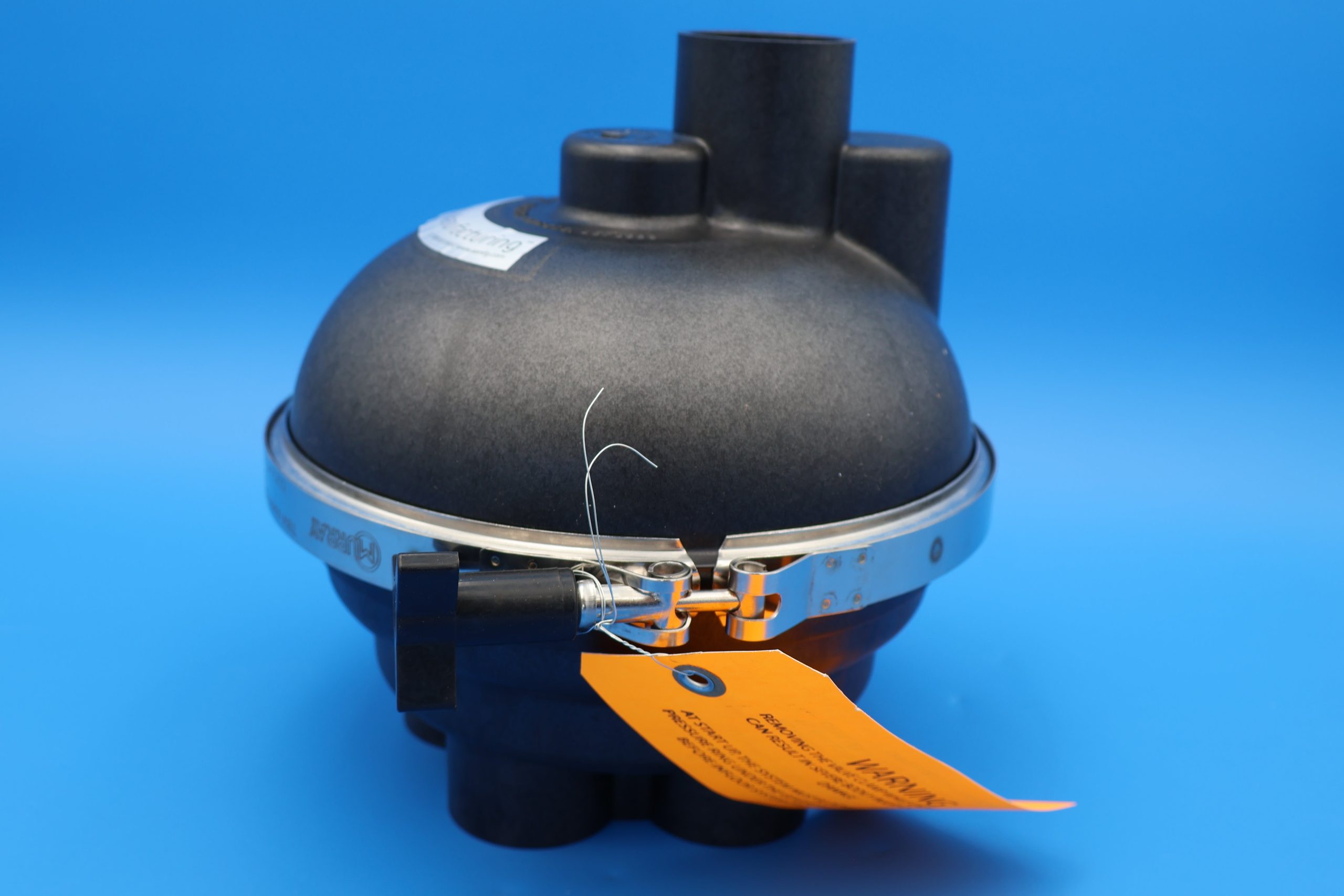
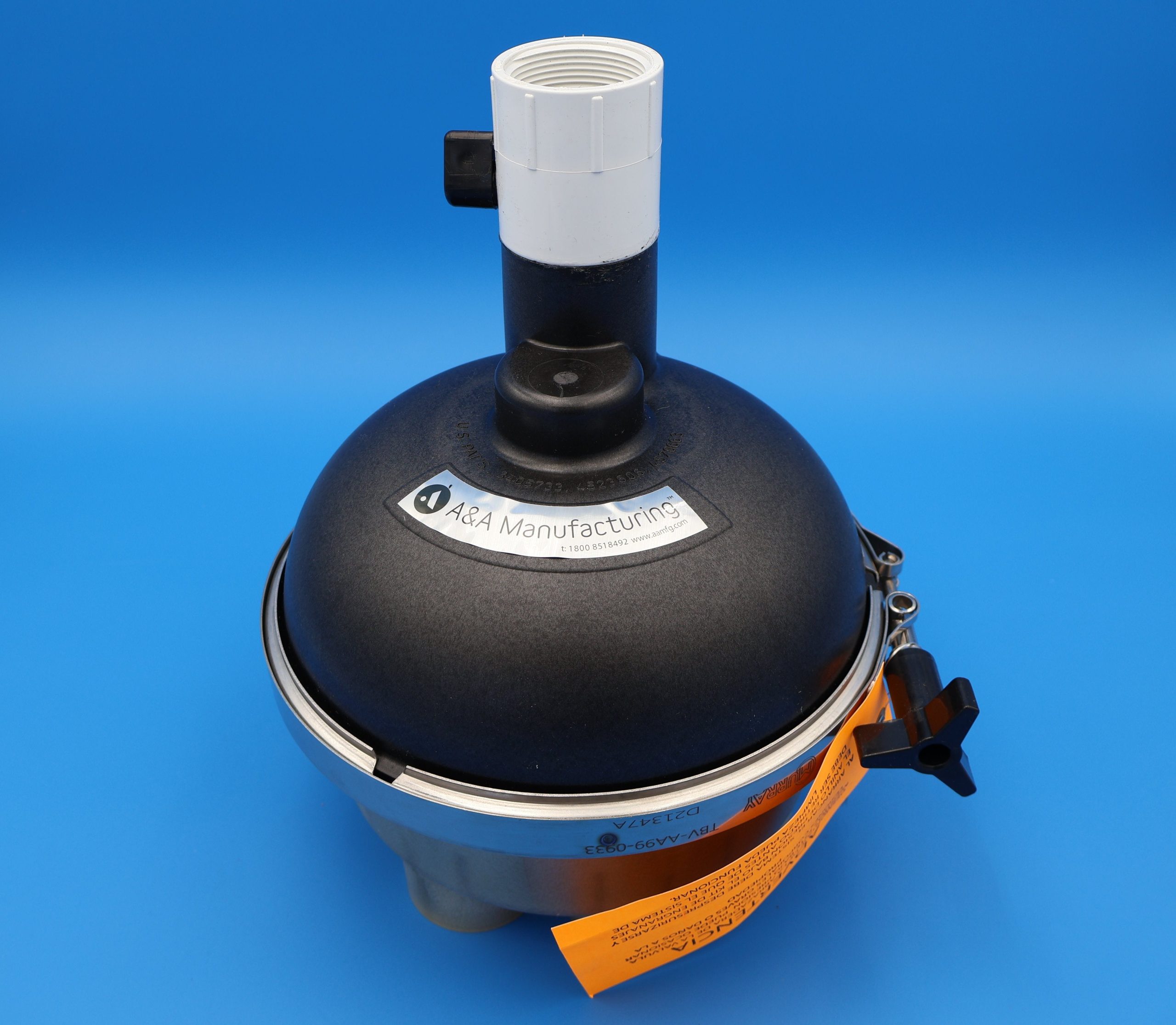
The Pentair 225470 Top Feed Complete 1½” 6-Port Actuator T-Valve with QuikStop is a fully assembled in-floor valve internal unit designed for 6-port top feed in-floor cleaning systems. This assembly combines the T-valve flow diverter and indexing mechanism with an integrated QuikStop feature — providing reliable zone sequencing and automatic shut-off when the cleaning cycle completes.
Key Features
- Complete internal T-valve assembly for top feed 6-port in-floor valves
- Built-in QuikStop mechanism stops valve indexing at the correct position
- 1½” plumbing size designed for standard residential in-floor cleaning systems
- Durable construction resists wear from debris and flow stress
- Designed to interface with compatible top feed valve housings and actuators
Compatibility
- For use in top feed 6-port in-floor valve bodies with 1½” plumbing
- Compatible with Pentair and A&A branded in-floor cleaning systems that accept an actuator T-valve
- Not compatible with low profile or bottom feed valve designs
Fitment Tip: Confirm your valve body is a top feed 6-port design and accepts a complete internal actuator T-valve assembly before ordering. This is an internal valve component, not a complete external valve housing.
What’s Included
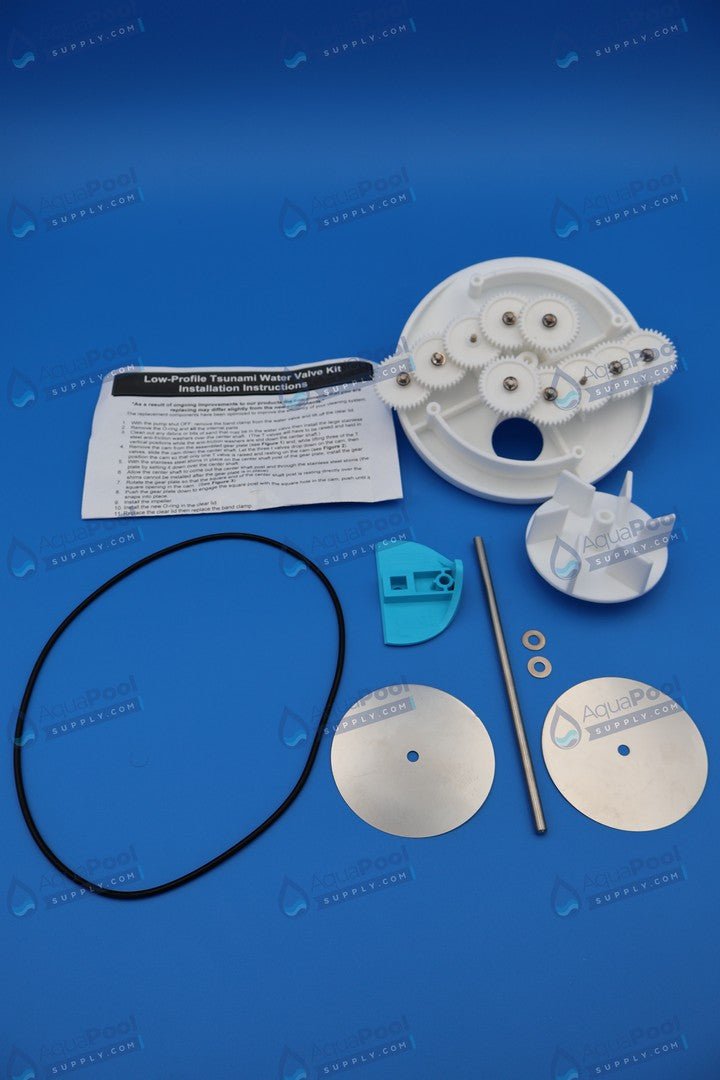
- Fully assembled internal T-valve with QuikStop mechanism
- Internal indexing gears and diverter
- Retaining clips as required for installation
Installation Notes
- Turn off the pump and relieve all system pressure before servicing the valve.
- Remove the valve cover and any actuator or linkage to access internal components.
- Take out the old T-valve assembly and inspect the valve body for debris or damage.
- Install the replacement assembly into the valve body, ensuring proper orientation of the diverter and QuikStop features.
- Reattach the cover or actuator and test for proper indexing and QuikStop functionality.
When to Replace
- Valve fails to index through zones correctly
- QuikStop feature does not engage or stops indexing prematurely
- Visible wear, cracked gear teeth, or internal damage
Maintenance Tips
- Inspect the internal valve cavity for debris that could cause wear or sticking.
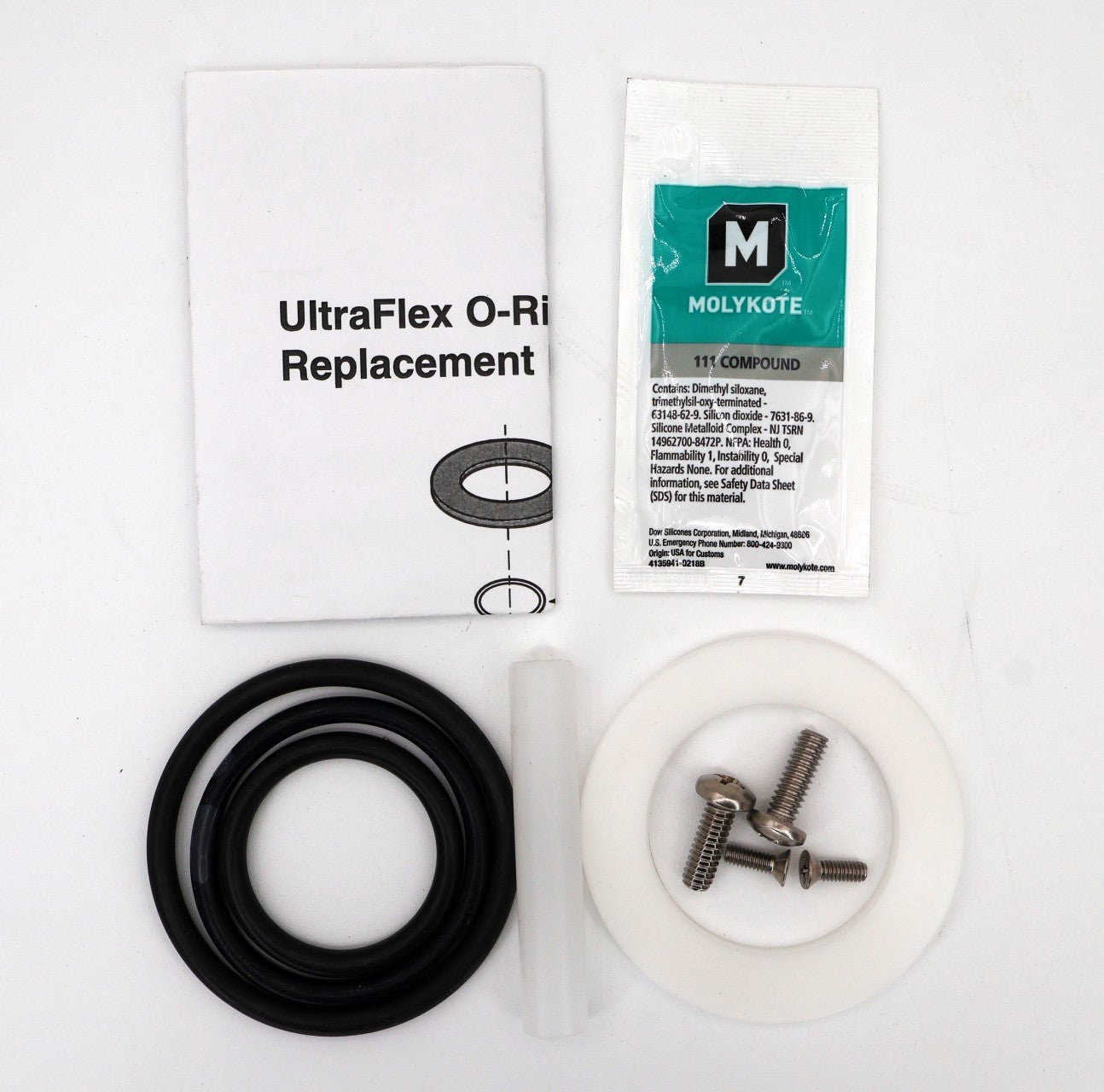
- Clean and lubricate internal O-rings during routine service to maintain smooth operation.
- Check valve performance seasonally for consistent indexing and QuikStop engagement.